

Unleashing Creativity: How ChatGPT Generates AI Images Based on User Criteria
Artificial Intelligence has revolutionized how we approach creativity. Tools like ChatGPT have expanded their capabilities beyond text-based responses, venturing into generating AI images based on user-provided criteria. This unique ability opens new possibilities for artists, marketers, educators, and hobbyists alike. Let’s explore how ChatGPT can create AI-driven images, step by step, and how you can leverage this feature effectively.
The Integration of Text and Visual AI
ChatGPT uses advanced algorithms to process natural language inputs, making it an invaluable tool for generating creative content. When combined with an image-generation AI model, ChatGPT can interpret user prompts and translate them into detailed criteria that guide image creation. This process bridges the gap between conceptualization and visualization, offering users a seamless way to bring ideas to life.
How Does ChatGPT Create AI Images?
Here’s how the process works:
1. User Provides a Clear Prompt
The first step is for the user to describe what they want in detail. For instance:
- “Create an image of a serene mountain landscape at sunrise with vibrant colors.”
- “Design a futuristic cityscape with flying cars and towering skyscrapers.”
- “Illustrate a fantasy forest with glowing mushrooms and mythical creatures.”

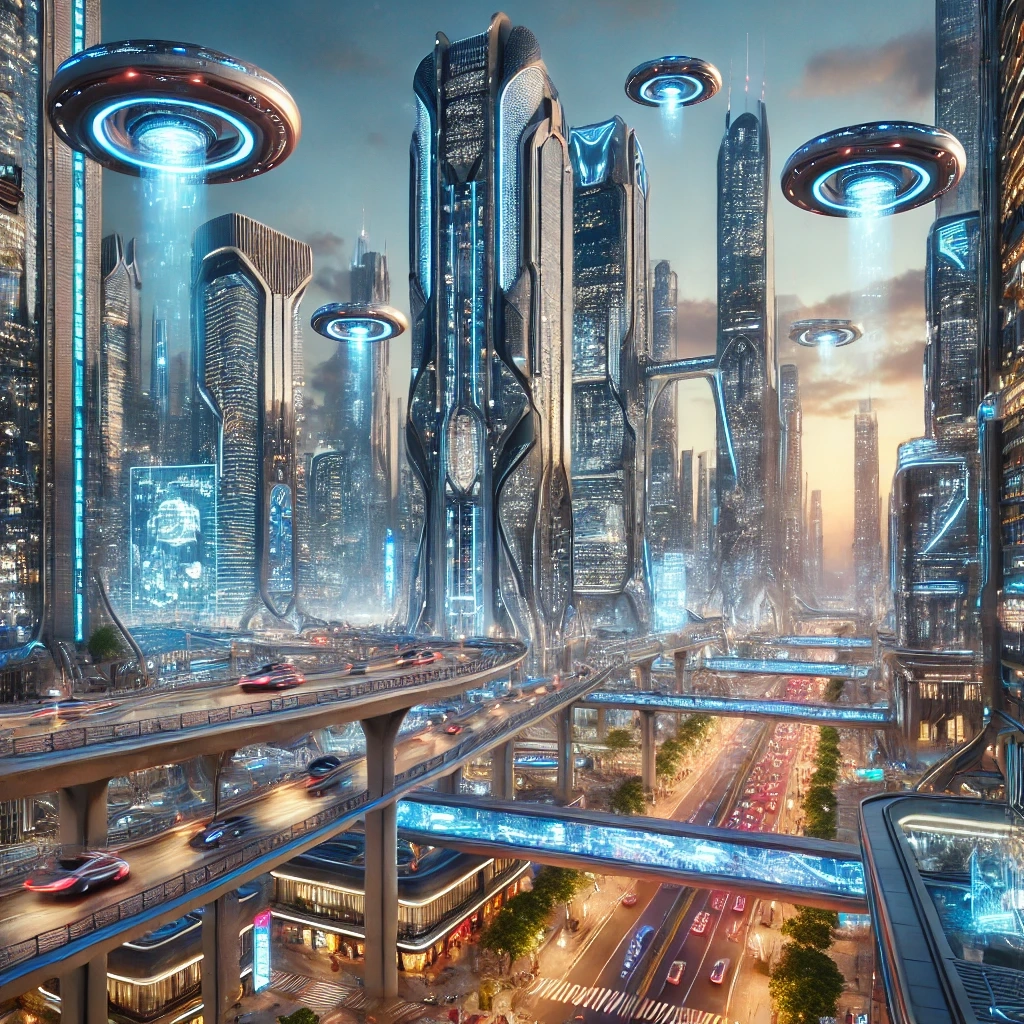
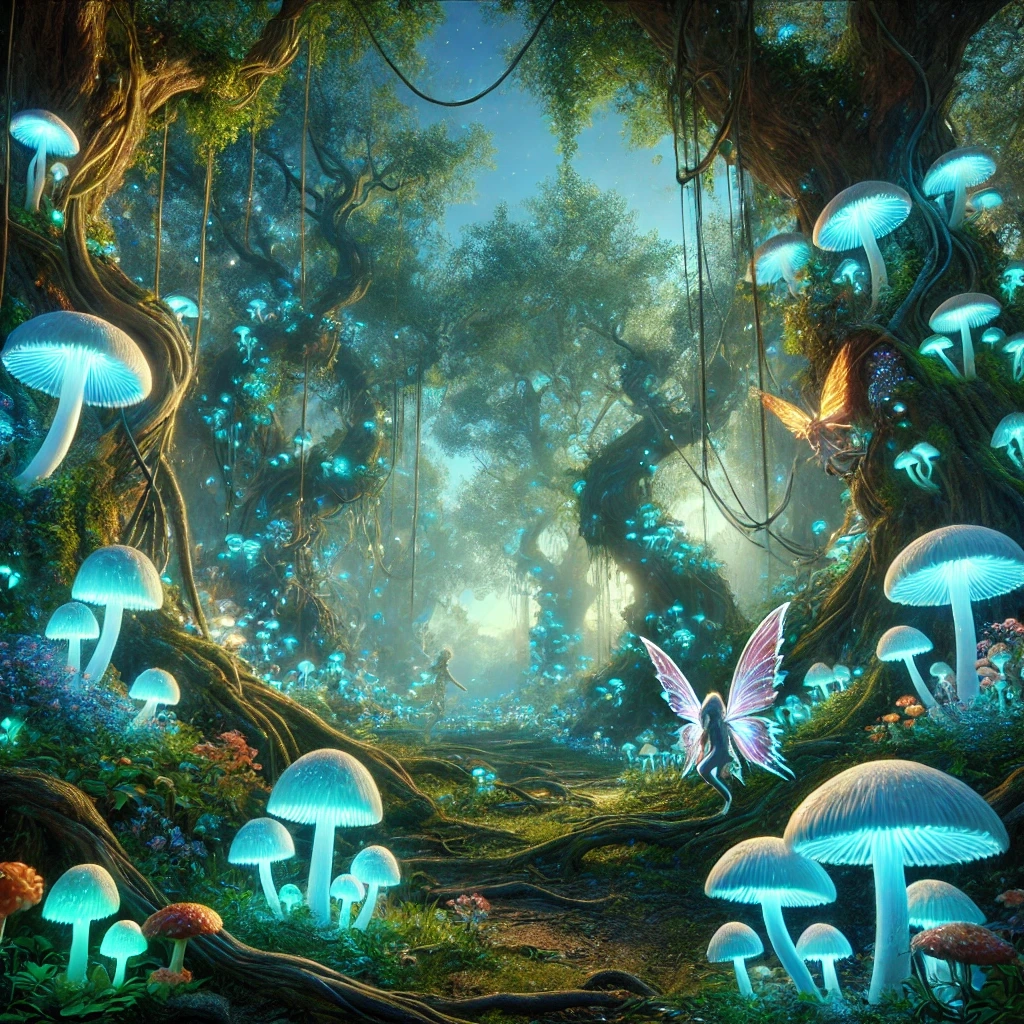
The more specific the input, the better the results. Descriptions that include visual elements (e.g., colors, styles, moods) provide clearer direction for the AI.
2. ChatGPT Analyzes the Input
ChatGPT processes the prompt, identifying key elements such as:
- Subject (e.g., mountain, cityscape, forest)
- Style (e.g., realistic, futuristic, fantasy)
- Colors (e.g., vibrant, muted, glowing)
- Composition (e.g., sunrise, flying cars, mythical creatures)
This information is then converted into structured data that can guide image generation.
3. The Image-Generation AI Takes Over
ChatGPT communicates the interpreted data to an integrated image-generation model, like OpenAI’s DALL-E. These models are specifically designed to create high-quality images based on descriptive prompts.
Depending on the integration, the image-generation AI can produce:
- Highly detailed, photo-realistic images
- Artistic, stylized visuals
- Abstract interpretations based on the description
4. User Reviews and Refines
Once the image is generated, the user can review it and provide additional feedback to refine the output. For example:
- “Make the sunrise more vibrant.”
- “Add more trees in the foreground.”
- “Change the flying cars to hover bikes.”
ChatGPT interprets these refinements and updates the criteria for a new round of image creation.
Practical Applications of AI Image Generation
1. Marketing and Advertising
Marketers can use AI-generated images to create stunning visuals for campaigns. From product mockups to themed advertisements, the ability to customize visuals on demand ensures a tailored approach to engaging customers.
2. Content Creation
Bloggers, social media influencers, and content creators can elevate their posts with unique visuals. For instance, a travel blogger might use AI to generate artistic representations of destinations, while educators could illustrate concepts for online courses.
3. Art and Design
Artists can use ChatGPT to ideate and create rough drafts for their projects. Whether it’s concept art for a video game or mockups for a fashion collection, AI images serve as a starting point for further development.
4. Education and Training
AI-generated visuals can enhance learning materials by making abstract ideas tangible. For example, teachers can create illustrations of historical events, scientific phenomena, or literary scenes to enrich lessons.
5. Personal Projects
Hobbyists and enthusiasts can experiment with AI images for personal use, like creating unique wallpapers, designing greeting cards, or exploring imaginative concepts for fun.
How to Write Effective Prompts for Image Generation
For the best results, follow these tips when crafting prompts:
- Be Specific: Include as many details as possible about the subject, setting, style, and mood.
- Instead of: “Create a sunset.”
- Use: “Create a sunset over a calm ocean, with orange and pink hues in the sky.”
- Mention the Style: Specify whether you want the image to be realistic, abstract, futuristic, or inspired by a particular art style (e.g., surrealism, impressionism).
- Include Context: Provide additional context to guide the composition.
- Example: “A fantasy forest scene with glowing mushrooms, a winding path, and a small wooden cabin in the distance.”
- Iterate and Refine: Don’t hesitate to ask for changes or add details after the initial image is generated.
Limitations and Considerations
While AI-generated images are powerful, there are some limitations to be aware of:
- Interpretation Variability: The AI may interpret prompts differently than expected, especially if the description lacks clarity.
- Ethical Use: Ensure that AI-generated images are used ethically and do not violate copyright or intellectual property laws.
- Quality Control: While the technology is advanced, it may not always produce perfect results. Some adjustments or manual edits might be necessary.
- Cultural Sensitivity: Be mindful of cultural contexts and avoid generating content that could be considered offensive or inappropriate.
The Future of AI Image Generation
As AI technology continues to evolve, the integration between tools like ChatGPT and image-generation models will become even more seamless. In the near future, we can expect:
- Higher Customization: Users may be able to specify dimensions, file formats, and resolutions directly.
- Dynamic Interactivity: Real-time previews and instant refinements could streamline the creative process.
- Improved Realism: Advances in AI algorithms will produce images that are indistinguishable from those created by human artists.
Conclusion
ChatGPT’s ability to create AI-generated images represents a remarkable step forward in democratizing creativity. By transforming user prompts into stunning visuals, this technology empowers individuals and businesses to bring their ideas to life. Whether you’re a marketer designing an ad campaign, an artist seeking inspiration, or a teacher enriching your lessons, ChatGPT makes it easier than ever to turn concepts into reality.
As you experiment with this powerful tool, remember to write detailed prompts, iterate as needed, and explore the endless possibilities of AI-driven image generation. The future of creativity is here, and it’s only a click away.
References
- OpenAI: DALL-E Overview (https://openai.com/dall-e)
- Google Developers: Introduction to AI Image Generation (https://developers.google.com/)
- AI Art and Ethics: Best Practices for Responsible Use (https://www.aie.org/)